Building 100 Reps: A Focused Workout Tracker for Daily Consistency
How I built a focused workout tracker around daily reps, animated progress, premium unlocks, and the challenge of shipping a polished mobile app.
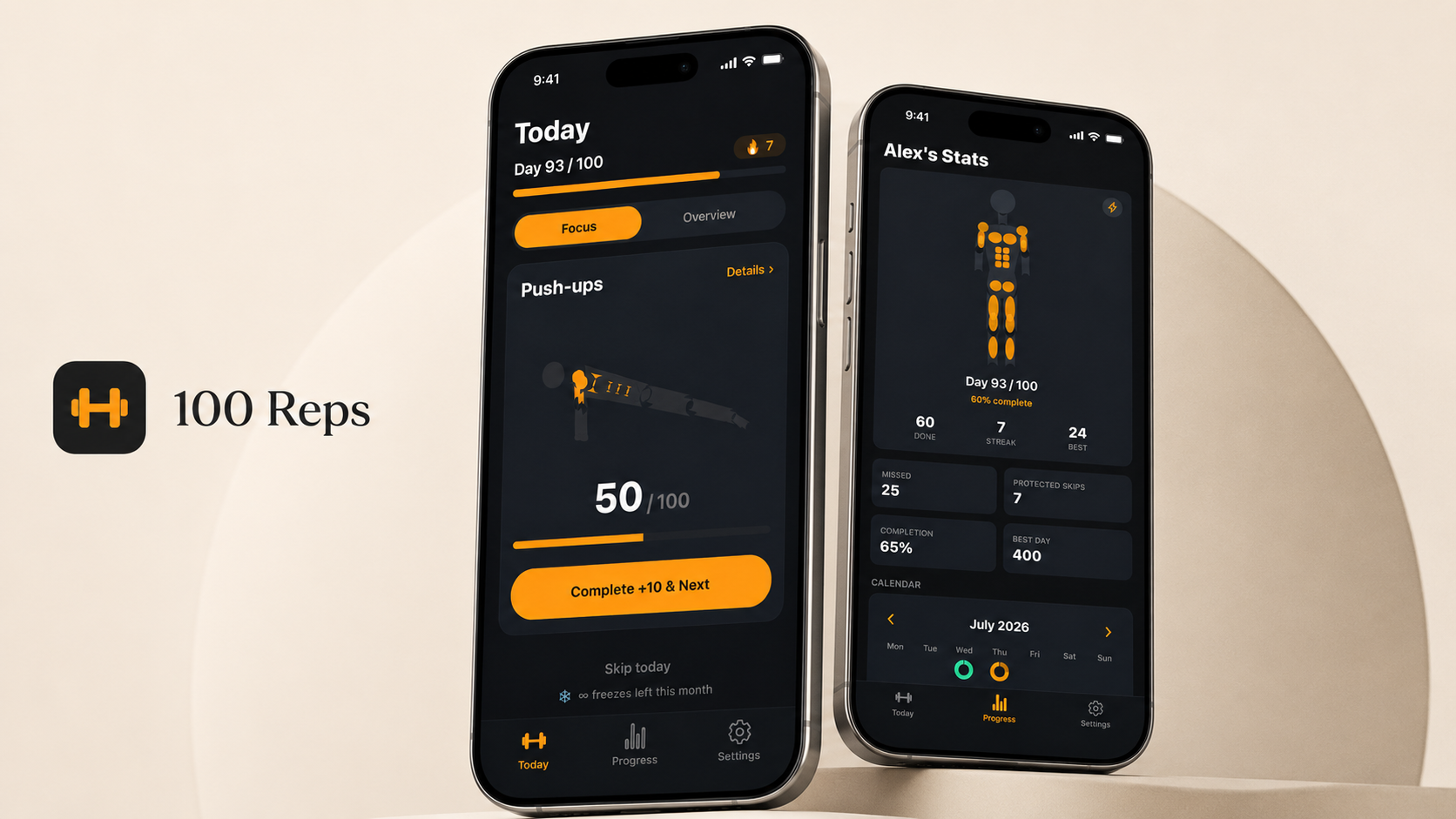
I wanted a simple way to track a daily bodyweight challenge without needing a complicated fitness app. The idea was direct: open the app, know what to do, complete reps, and see progress. That starting point became 100 Reps, a focused workout tracker built around daily rep-based challenges.
The problem I wanted to solve
Most workout apps try to be everything at once: training plans, social feeds, coaching, nutrition. All of that can be useful, but it also raises the barrier when what you actually want is to do a quick daily workout and get on with your day.
I wanted something that felt closer to a habit than a program. Open the app, see what's left for today, do it, done.
A simple challenge with a clear number
The app is built around the motivational simplicity of a fixed daily challenge: 100 reps a day, spread across push-ups, sit-ups, and squats. A clear number like 100 gives the product a strong identity and makes progress easy to understand without any extra explanation.
Optional exercises extend the challenge without diluting that core identity. Planks are measured in seconds instead of reps, and burpees and lunges are there for people who want more variety on top of the core three.
Designing Focus Mode
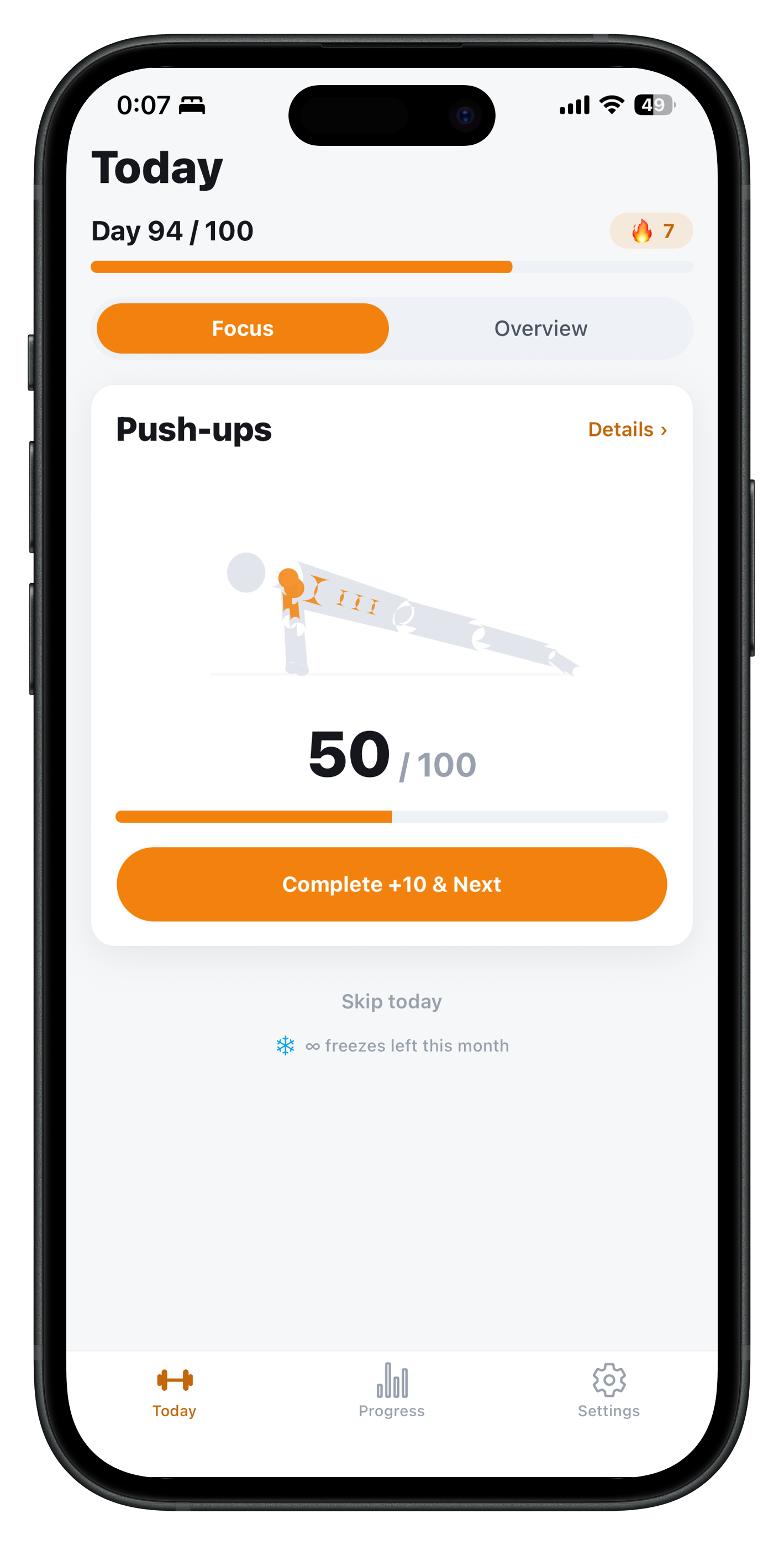
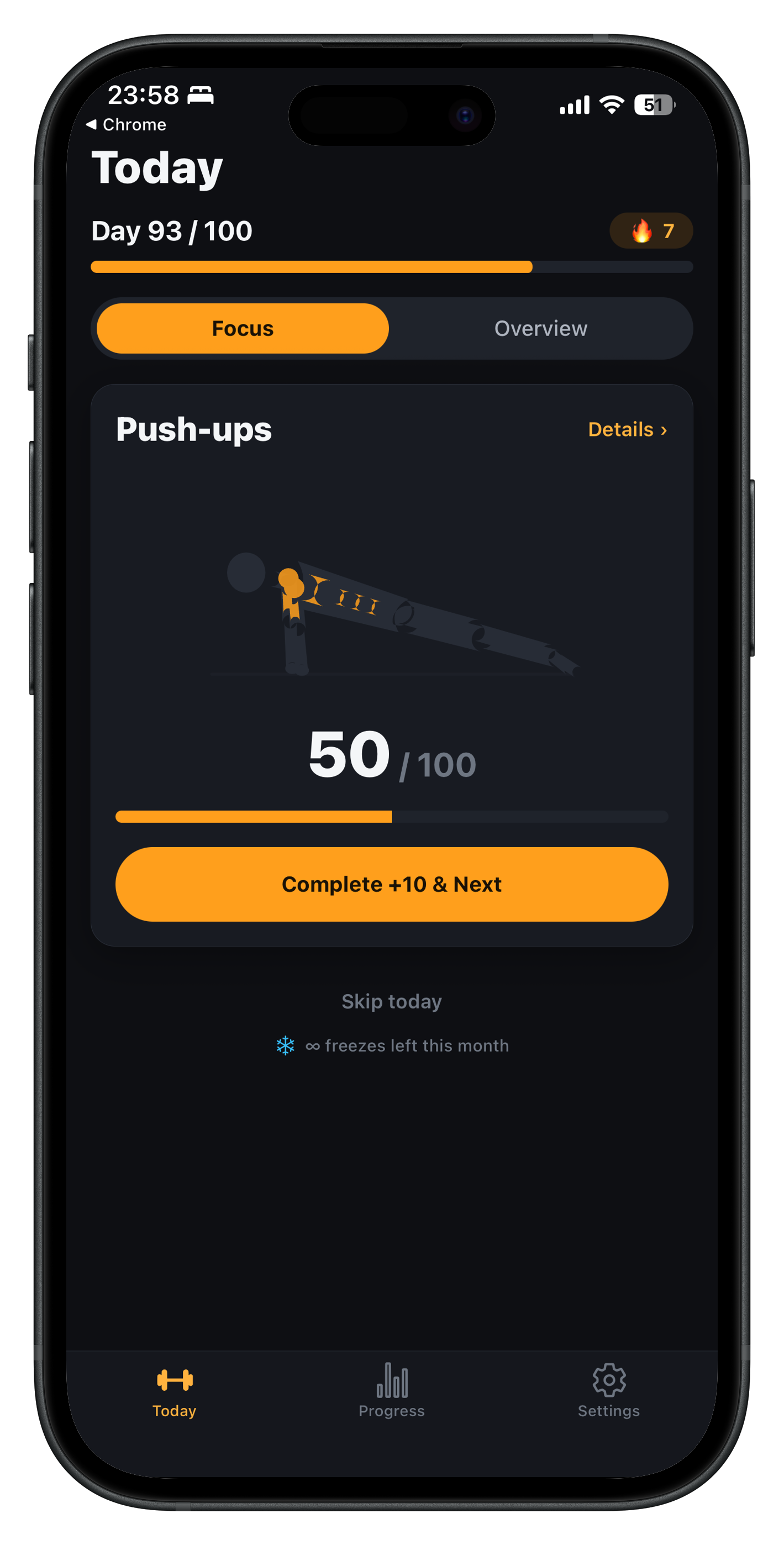
A normal tracker can get cluttered quickly once you add multiple exercises, sets, and optional extras. Focus Mode solves that by showing one exercise at a time and guiding the user through the workout flow instead of dumping the full list on screen.
The goal was to reduce decisions during the workout itself. You are not scanning a list and deciding what to do next, you are just following the flow until it's done.
Making progress visible with an animated avatar
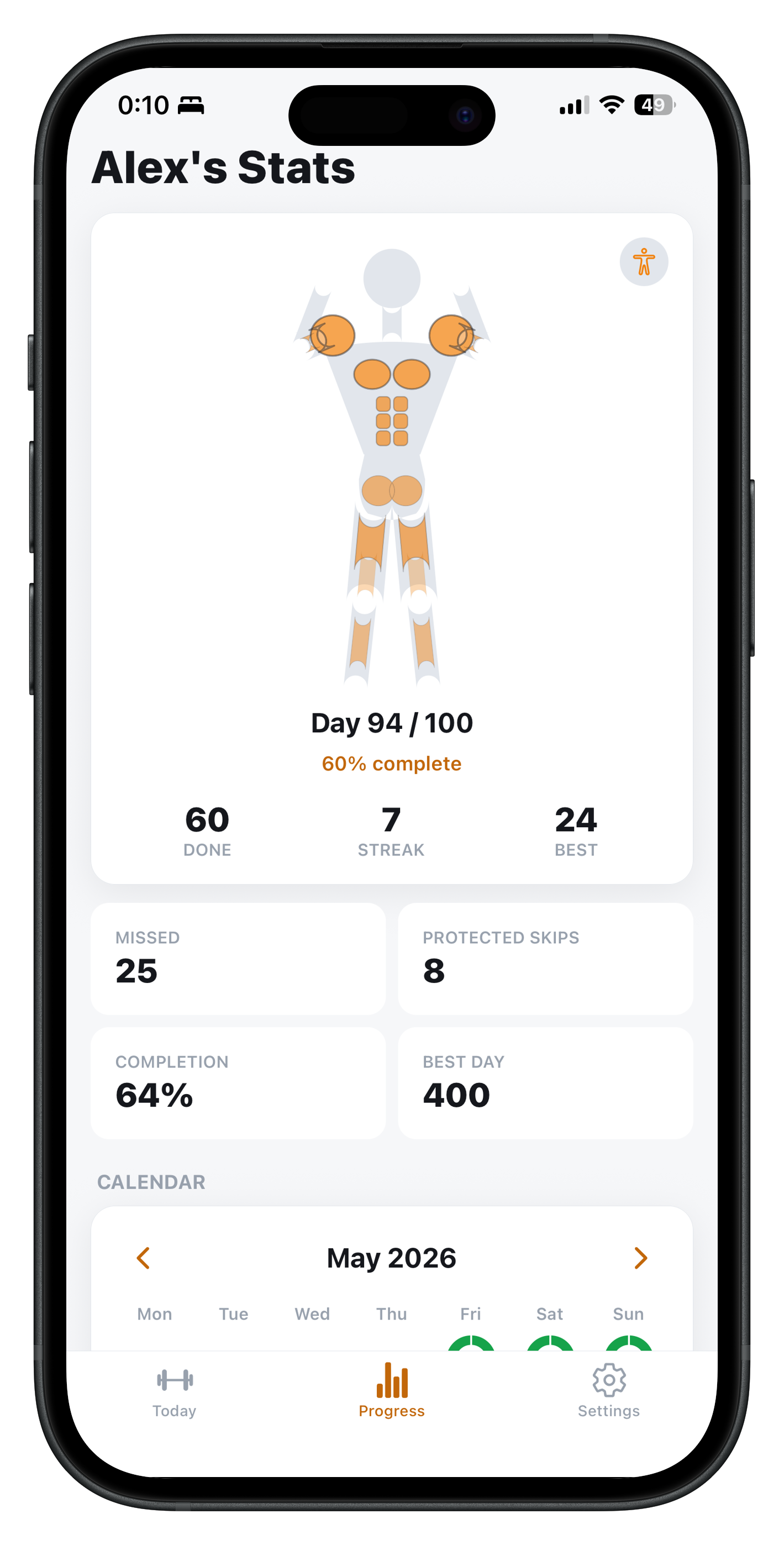
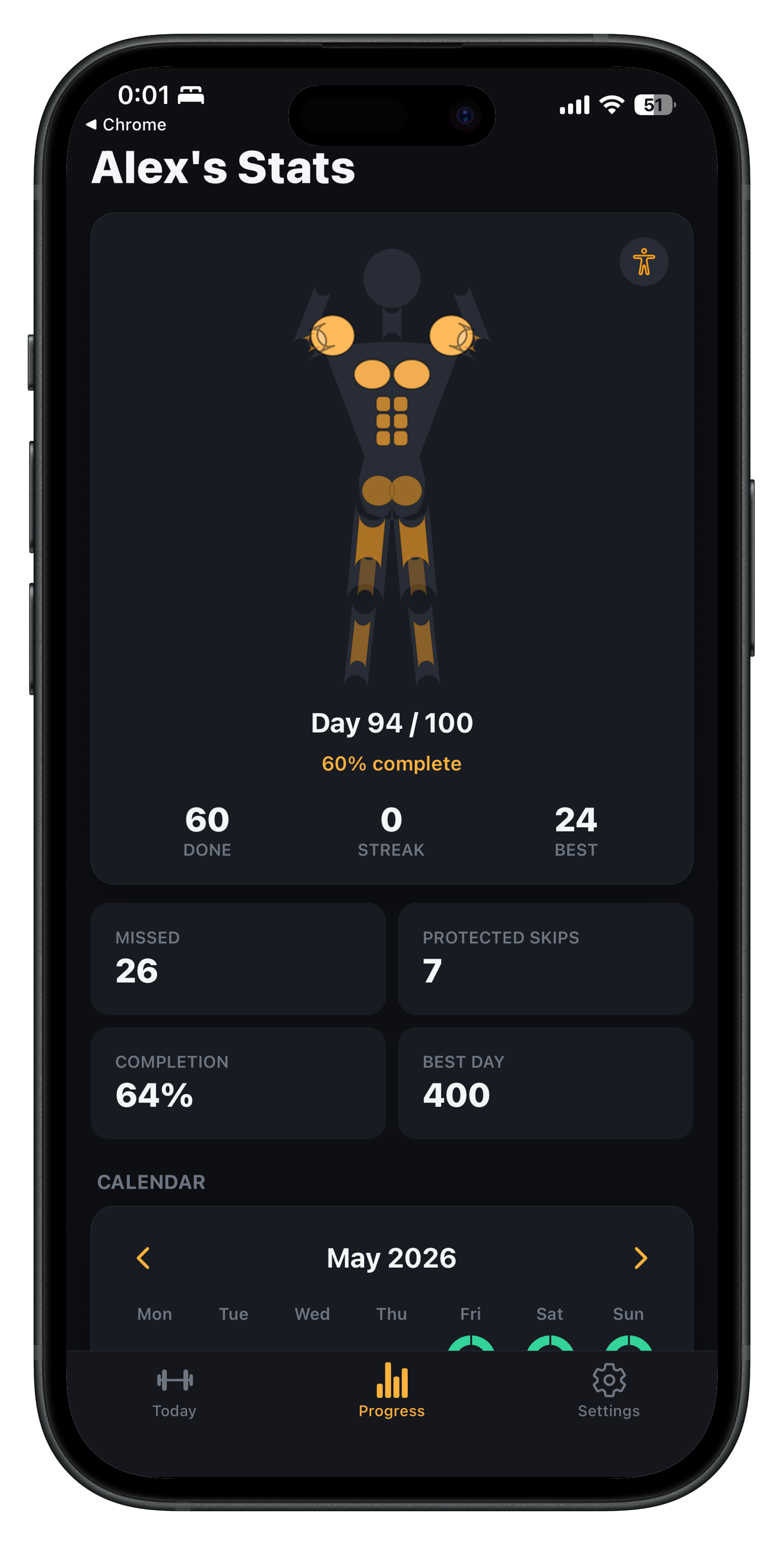
Numbers alone don't feel very satisfying. The app uses an animated avatar that visualizes muscles and exercise-specific movement, so progress feels more physical than a counter ticking up. The goal isn't just to log reps, it's to make the user feel like something is actually happening while they train.
Handling different exercise types
Reps and timed exercises need different UX. A push-up or a squat is a discrete count you can tap through, but a plank is continuous. It needed its own timer with visual progress instead of being forced into the same rep-counting interaction as everything else. Getting that distinction right early made the rest of the exercise flow much simpler to reason about.
Premium without making the free app useless
Premium in 100 Reps is a one-time unlock, not a subscription and not a gate on the core loop. Free users can still complete the daily challenge, build streaks, and use Focus Mode. Premium adds advanced statistics and deeper progress views for people who want more detail, along with the usual restore-purchases support so people don't lose access across devices.
Streaks also have some forgiveness built in, with freezes and recovery mechanics, so one missed day doesn't erase all the consistency that came before it.
Preparing the app for review
Building the actual workout logic was, in a lot of ways, the easier part. Getting a mobile app ready for App Store review meant closing a long list of non-code gaps: integrating RevenueCat and Apple In-App Purchases correctly, setting up products and metadata in App Store Connect, producing builds through EAS Build, writing privacy and support pages, preparing screenshots, and working through Apple's compliance questions.
The app has been submitted and is currently awaiting Apple's review.
What I learned
A simple app is not the same as an easy app. Keeping 100 Reps focused meant actively deciding what not to build: no social feed, no complicated plans, no account requirement. That restraint took as much product thinking as any feature did.
The other lesson was about scope beyond the code itself. A small, offline-first tracker still requires real product, design, and release work: a clear identity, a UX that respects different exercise types, a monetization model that doesn't punish free users, and a release process with privacy pages, screenshots, and store metadata. The app is simple on purpose, but getting it polished enough to submit for review was not trivial.
Where to Get It
100 Reps is available on the App Store.
- App Store
- Privacy Policy
- Support
- Read more on the 100 Reps project page.