100 Reps: Workout Tracker
A focused mobile workout tracker for daily rep-based challenges, animated exercise progress, streaks, and simple bodyweight consistency.
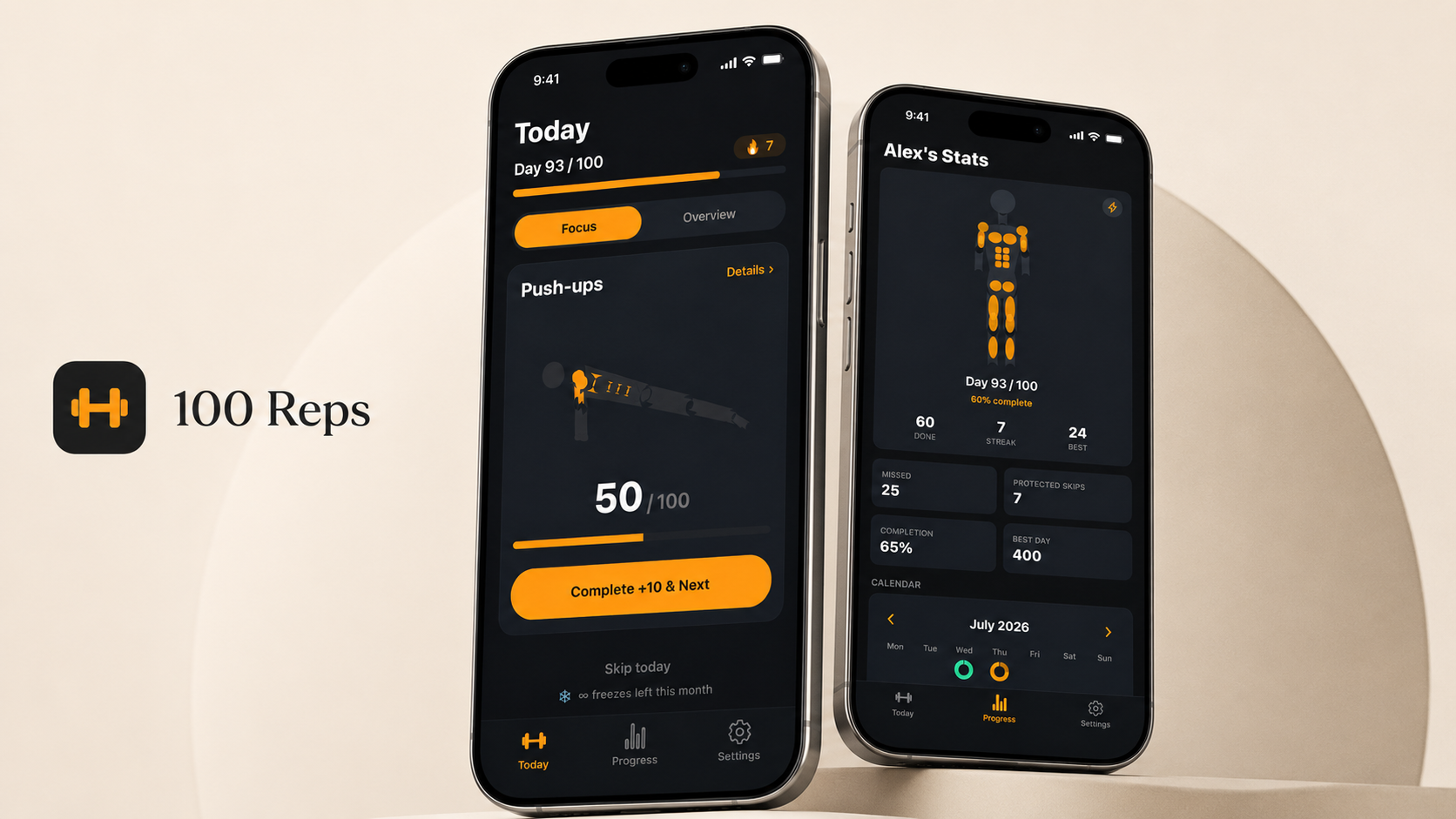
A mobile workout tracker built around a simple daily challenge: 100 reps, done.
Overview
100 Reps is a mobile workout tracker built around a simple idea: make daily bodyweight training easier to start, easier to follow, and easier to finish. Instead of overwhelming users with complex training plans, the app focuses on clear daily targets, a guided Focus Mode, animated avatar feedback, streak progress, and a clean workout flow for push-ups, sit-ups, squats, planks, burpees, and lunges.
The Problem
Most fitness apps try to do everything: training plans, social feeds, nutrition tracking, coaching. That can be useful, but it also raises the barrier to just doing a quick daily workout. Sometimes what you actually want is to open an app, see what needs to be done today, complete it, and move on.
100 Reps is built for that specific moment, not as a replacement for a personal trainer or a medical tool, just a focused way to stay consistent with basic bodyweight training.
Product Idea
The app centers on a simple, memorable target: 100 reps a day across core bodyweight exercises, primarily push-ups, sit-ups, and squats. Optional exercises like planks (measured in seconds), burpees, and lunges extend the challenge without diluting the core identity.
A clear number gives the product a strong identity and makes progress easy to understand at a glance. There is no ambiguity about what "done" looks like today.
Key Features
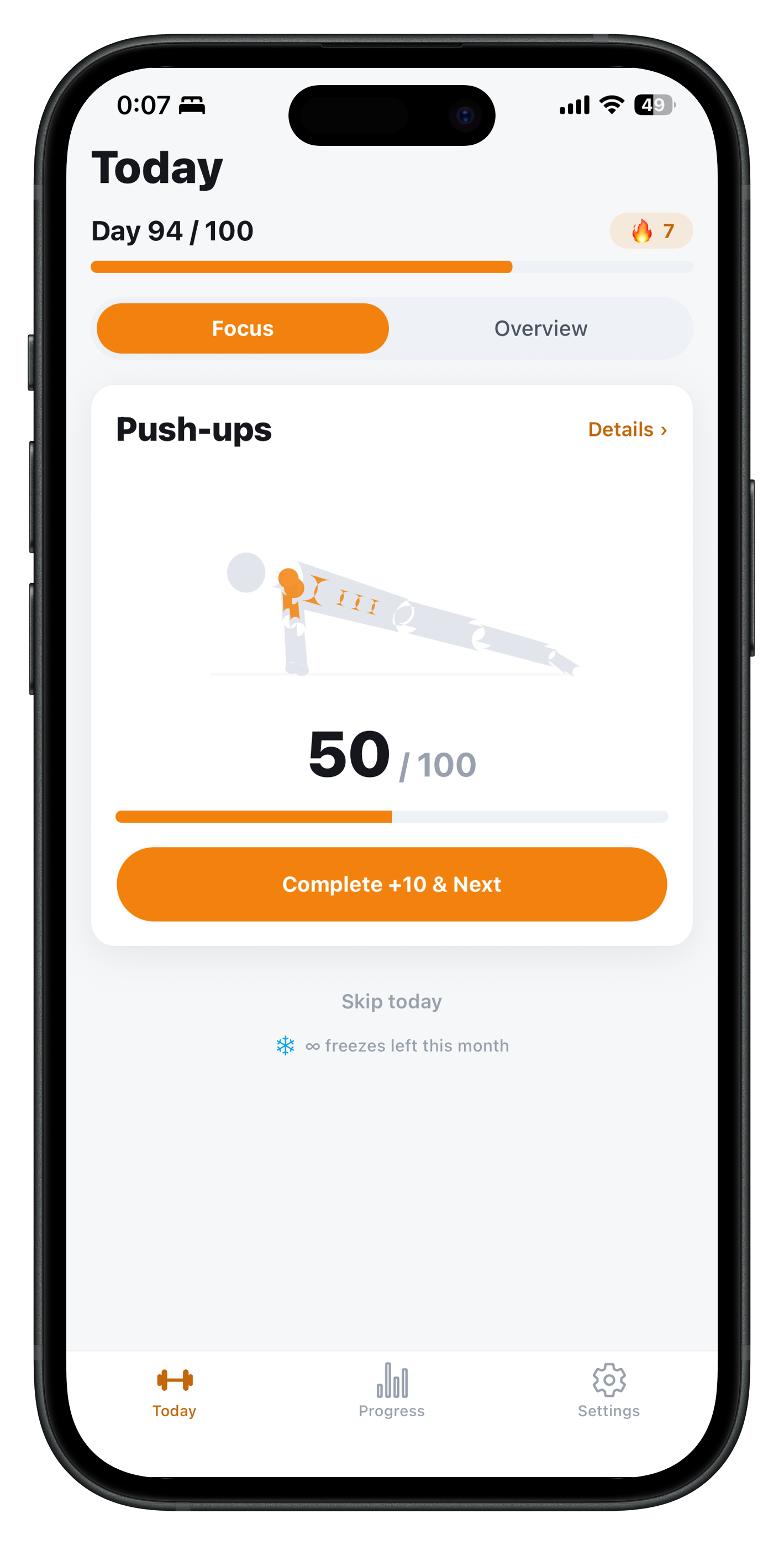
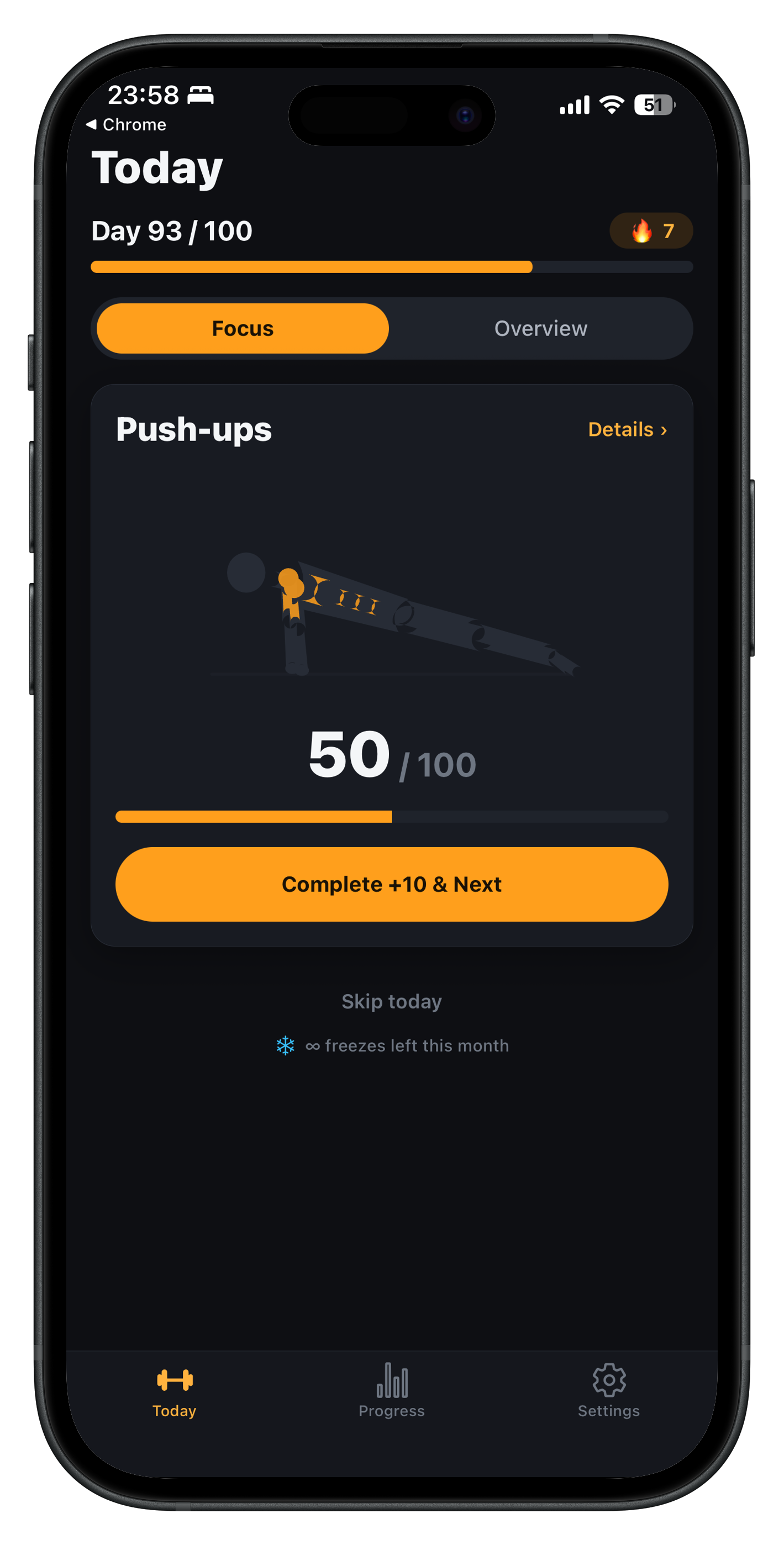
- Today Screen: See the day's targets and current progress at a glance.
- Focus Mode: Cycles through the current exercise one at a time instead of overwhelming the user with the full list.
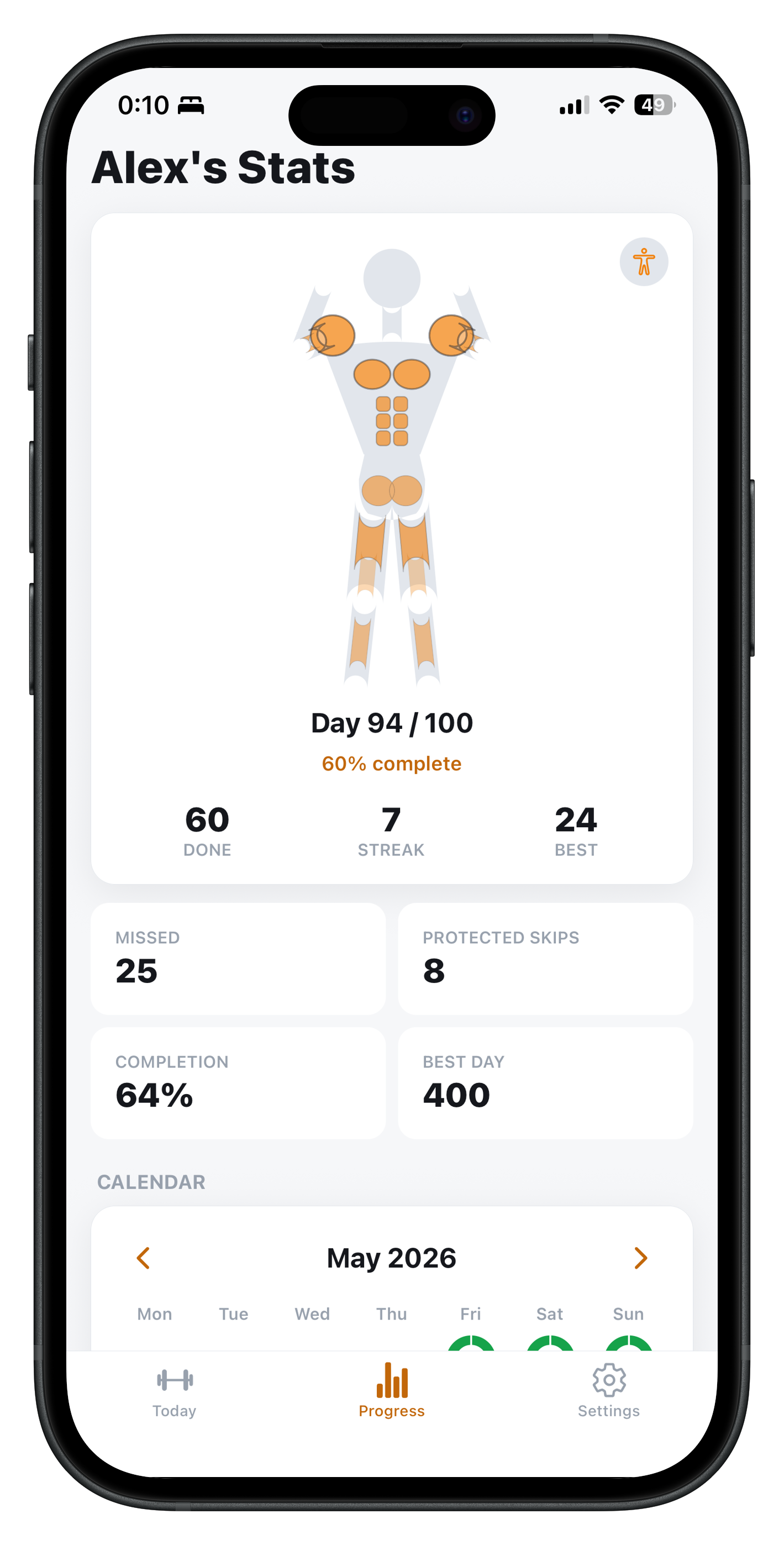
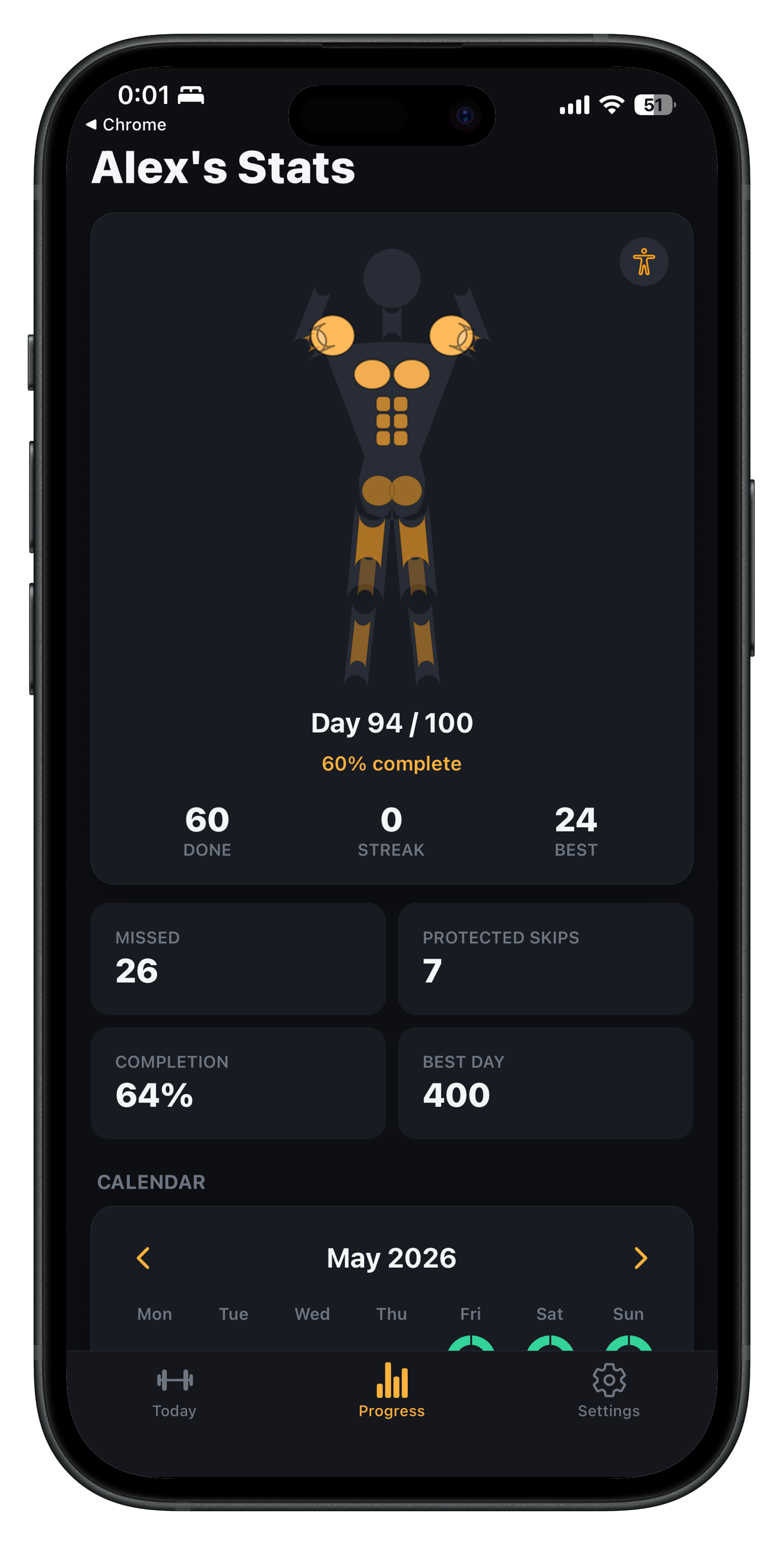
- Animated Avatar: Visualizes muscles and exercise-specific movement so progress feels physical, not just numeric.
- Plank Timer: A dedicated visual timer for time-based exercises like planks.
- Streaks: Tracks daily consistency, with streak freezes and recovery mechanics for the occasional missed day.
- Advanced Statistics: Deeper progress views available to premium users.
- Offline-first: Works without a social account or a complex backend.
Design Direction
The app uses a clean orange visual identity (built around #ff9f1c) to feel energetic and direct without being cluttered. The UI is stripped down deliberately: fewer controls, faster taps, and a workout flow that gets out of the way of actually training.
Technical Implementation
100 Reps is built with React Native and Expo (SDK 54) for cross-platform mobile development, with TypeScript for safer app logic. The app is offline-first, so most core logic runs locally without depending on a backend.
One-time premium purchases run through RevenueCat, integrated with Apple In-App Purchases and App Store Connect. Builds are produced with EAS Build, and the release process included preparing store metadata, screenshots, privacy and support pages, and getting in-app purchases ready for review.
What I Learned
- A single, clear number can carry a product's whole identity better than a long feature list.
- Time-based exercises (like planks) need different UX than rep-based ones, not just a different label.
- Premium should add value on top of a genuinely useful free experience, not gate the core loop.
- Shipping a polished mobile app involves as much product, compliance, and release work as it does code.
Behind the Project
- Read the full story: Building 100 Reps: A Focused Workout Tracker for Daily Consistency.
Links
Engineering concepts used
Building an Offline-First React Native App
A practical architecture for React Native apps that remain useful without a connection: local source of truth, migrations, sync queues, conflicts, and honest failure handling.
React Native Performance Visualized: JS Work, Rendering & Dropped Frames
See how JavaScript, React rendering, native/UI work, lists, images, and state updates compete for a frame—and which optimizations actually help.
RevenueCat + Expo: Subscriptions, Lifetime Purchases, and Restore
How to add in-app purchases to an Expo app with RevenueCat: entitlements over product IDs, why restore is mandatory, and why the client is the wrong place to trust a purchase.
How to Ship a React Native Expo App to the App Store with EAS
The full path from a working Expo project to an approved App Store release: build profiles, credentials, versioning, TestFlight, and the review rejections that are easiest to avoid.
Key Highlights
- •Designed a focused, rep-based workout product around a single clear daily target
- •Built an offline-first React Native/Expo app with animated avatar feedback
- •Integrated RevenueCat and Apple In-App Purchases for a one-time premium unlock
- •Prepared App Store Connect metadata, screenshots, privacy, and support pages for review