Vocabie
A personalized vocabulary coach with daily lessons, smart review, AI-powered practice, and games that help turn new words into vocabulary you can actually use.
Architecture
Vocabie app and learning services
iPhone app
React Native app
Expo · TypeScript · lessons and practice
Product services
Supabase
Authentication and application data
AI learning interactions
Coach and contextual practice
RevenueCat
Subscriptions and entitlements
Vocabie is a personalized vocabulary-learning app for iPhone, built around a practical question: how do you move from recognizing a word to being able to use it?
Overview
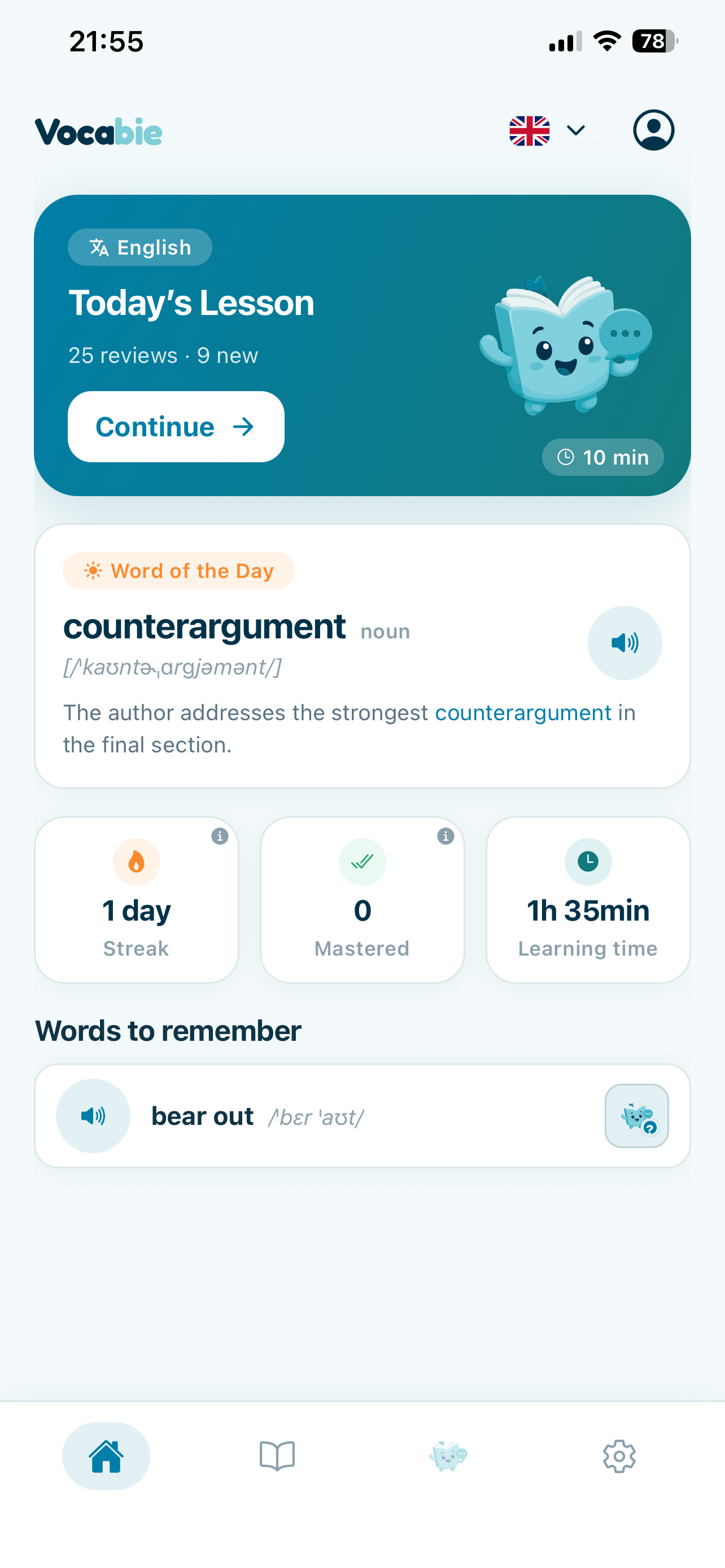
Vocabie supports two related goals: improving vocabulary in a language you already know, and learning vocabulary in another language. A learner chooses a language, sets a daily target, and works through a short lesson shaped around their level and progress. New words return for review, so a daily session includes both discovery and practice.
Learning a word should not end when its definition looks familiar. Vocabie brings words back through examples, listening, meaning exercises, writing, and other contexts. The aim is to give learners more chances to understand a word, recall it without a definition in front of them, and try it in their own language.
From recognition to active vocabulary
It is easier to recognize a word when a definition or a list of choices is already on the screen. Recalling that word in a conversation or finding it while writing asks for something different. Vocabie is designed to practise that gap instead of treating recognition as the whole task.
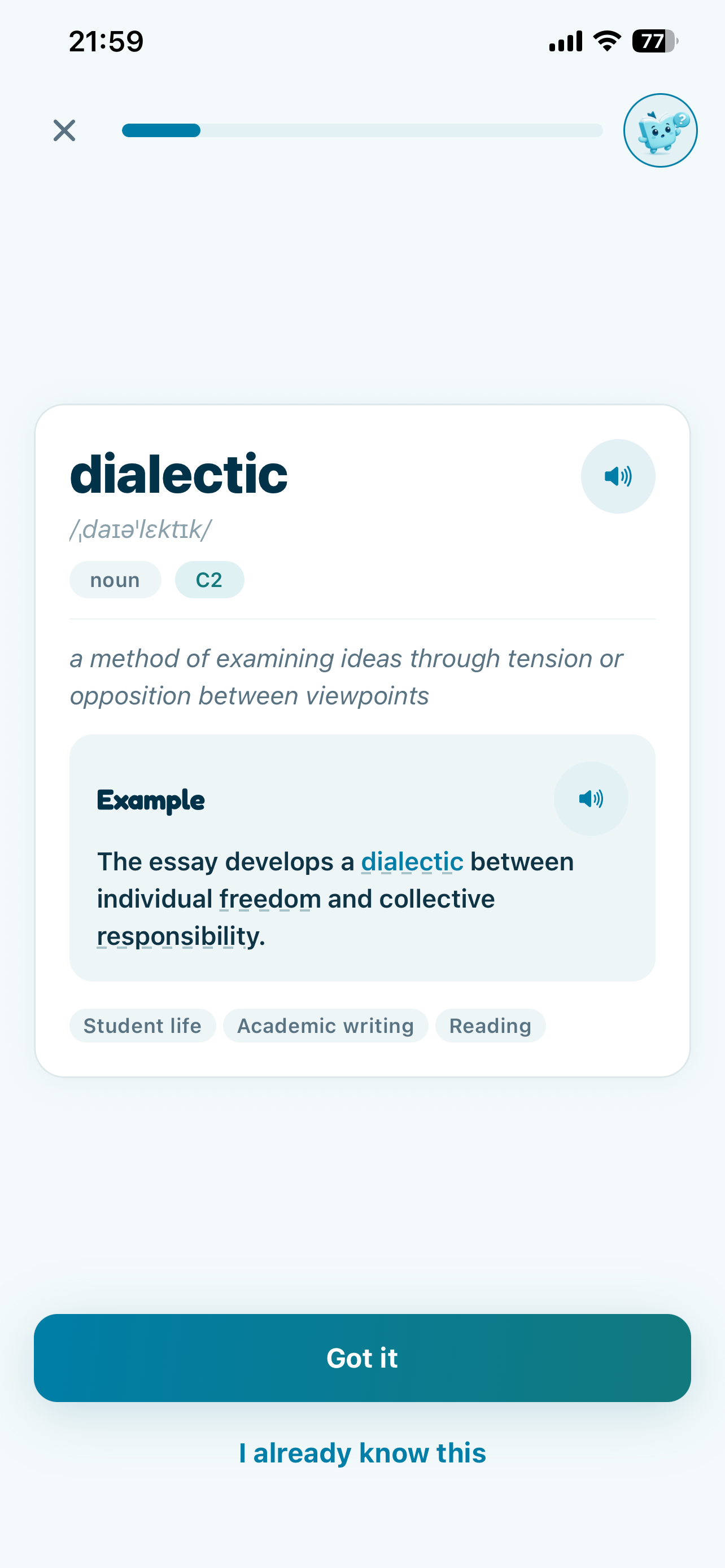
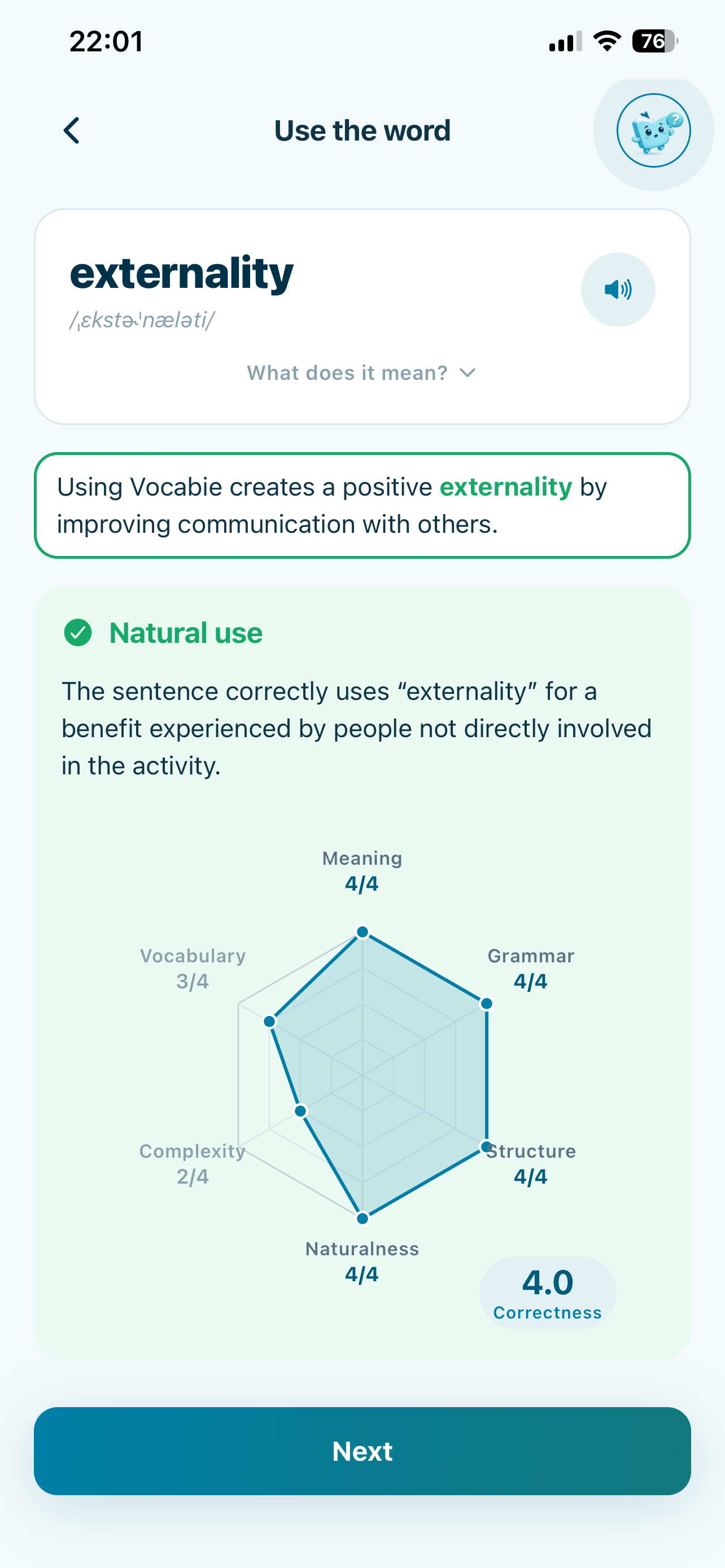
The word detail view introduces vocabulary with a definition, pronunciation, and example context. Later, Use the word asks the learner to write a sentence of their own. Vocabie returns practice feedback on areas such as meaning, grammar, structure, naturalness, complexity, and vocabulary. This is a learning aid that helps someone reflect on a sentence, not a formal language assessment.
More than flashcards
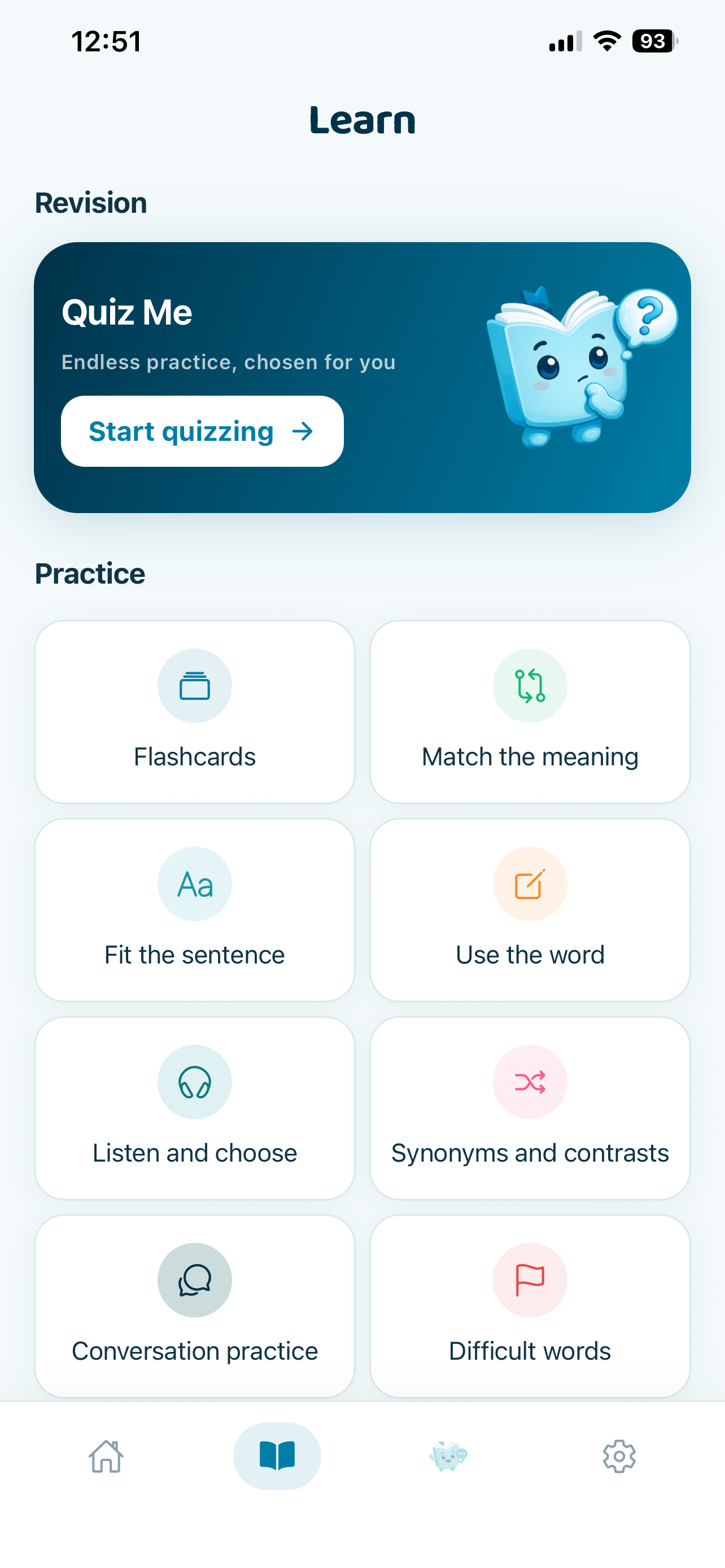
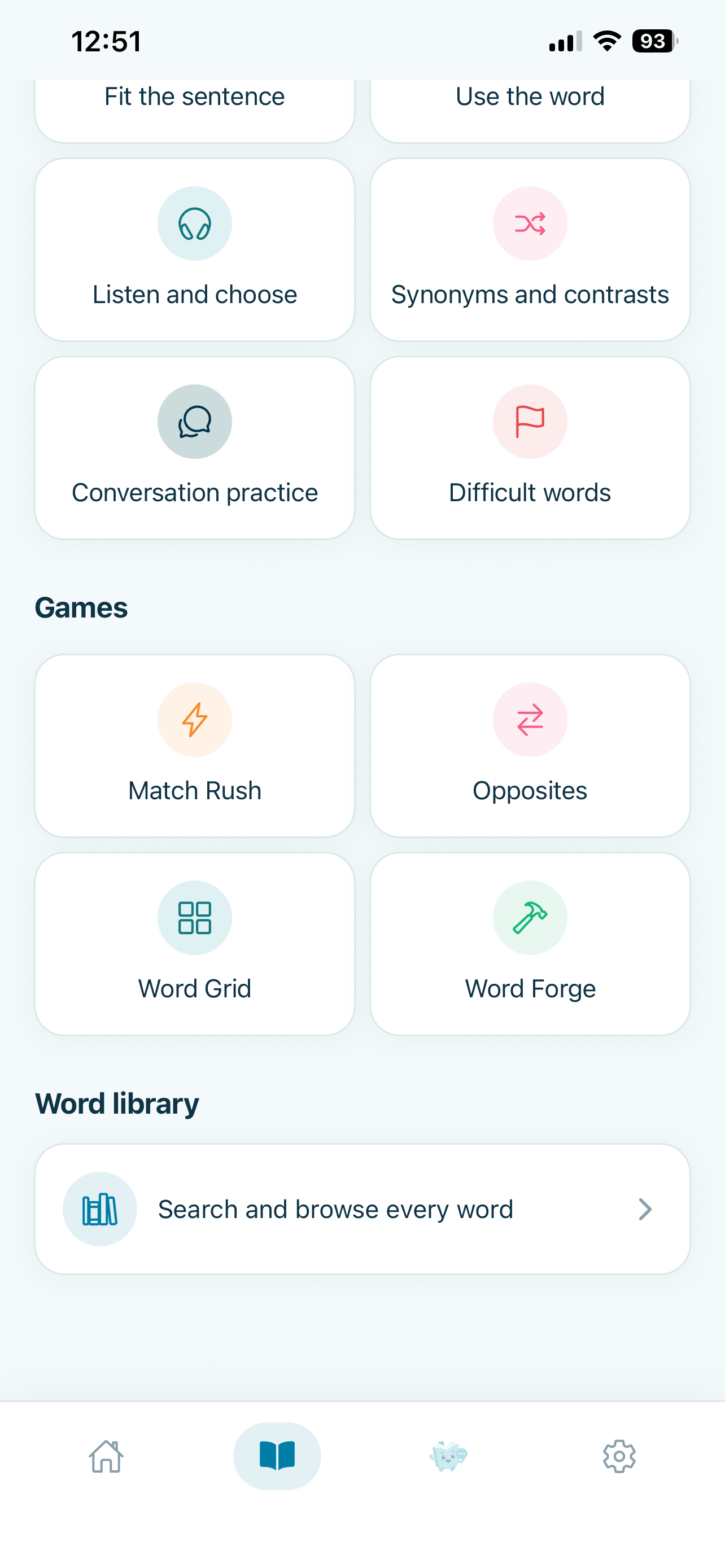
Flashcards are useful for revisiting a definition, but one format cannot represent every way a learner encounters a word. A learner might need to recognize a meaning, complete a sentence, hear a word, choose a synonym, or produce the word while writing. Vocabie's practice area brings together meaning, sentence, listening, and writing exercises, along with synonyms and opposites, conversation practice, difficult-word review, and a word library.
The point is not the length of the exercise list. Each activity asks the learner to retrieve or interpret vocabulary in a different context. Moving between those tasks gives practice beyond seeing the same prompt repeatedly.
An AI language coach with a specific role
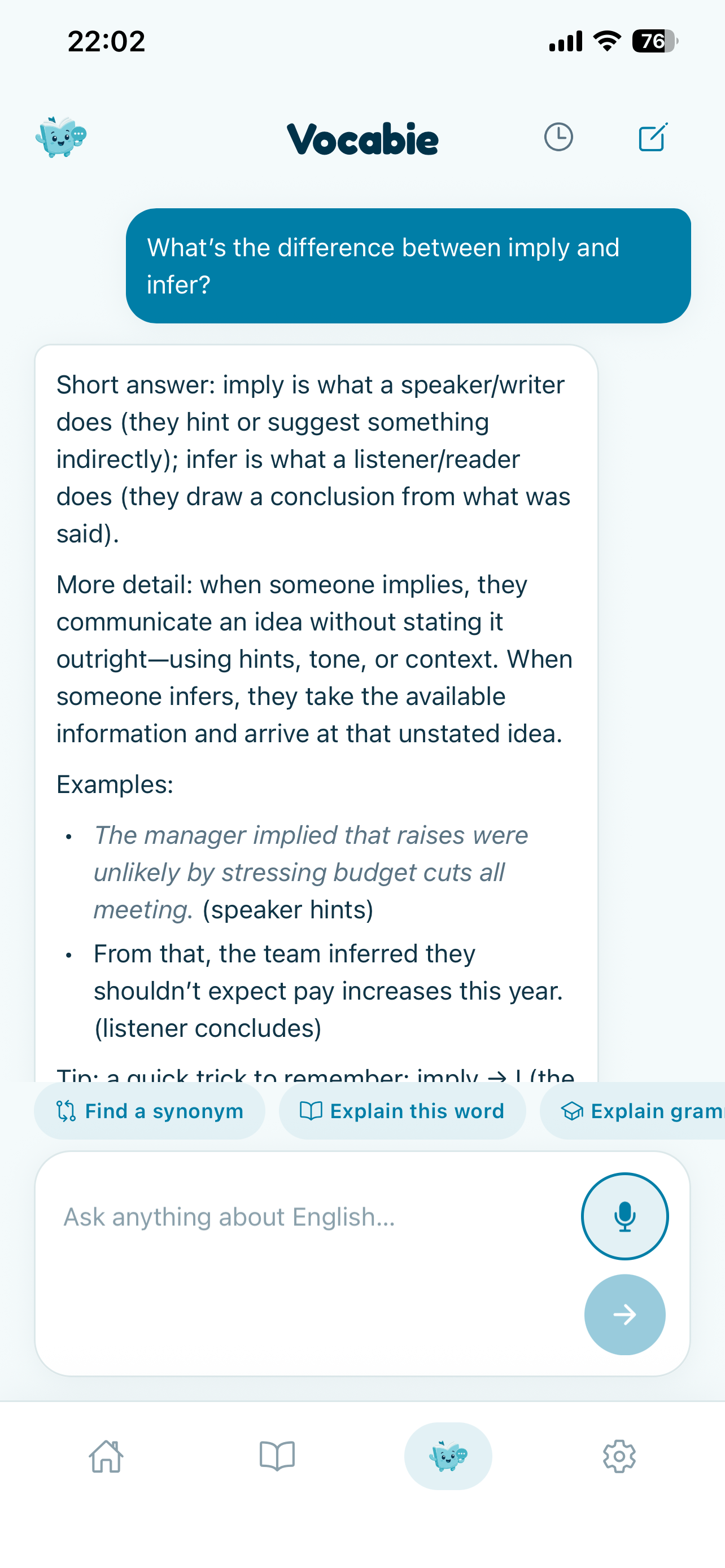
Vocabie includes an AI-powered language coach for questions that depend on what the learner wants to understand. A learner can ask what a word means, how two similar words differ, whether a synonym fits, or how grammar and context affect usage. The coach can respond to that question instead of only presenting a fixed entry from a dictionary.
The AI features sit alongside structured lessons and exercises. They add a conversational way to explore language; they are not a substitute for the rest of the learning product.
Learning through games
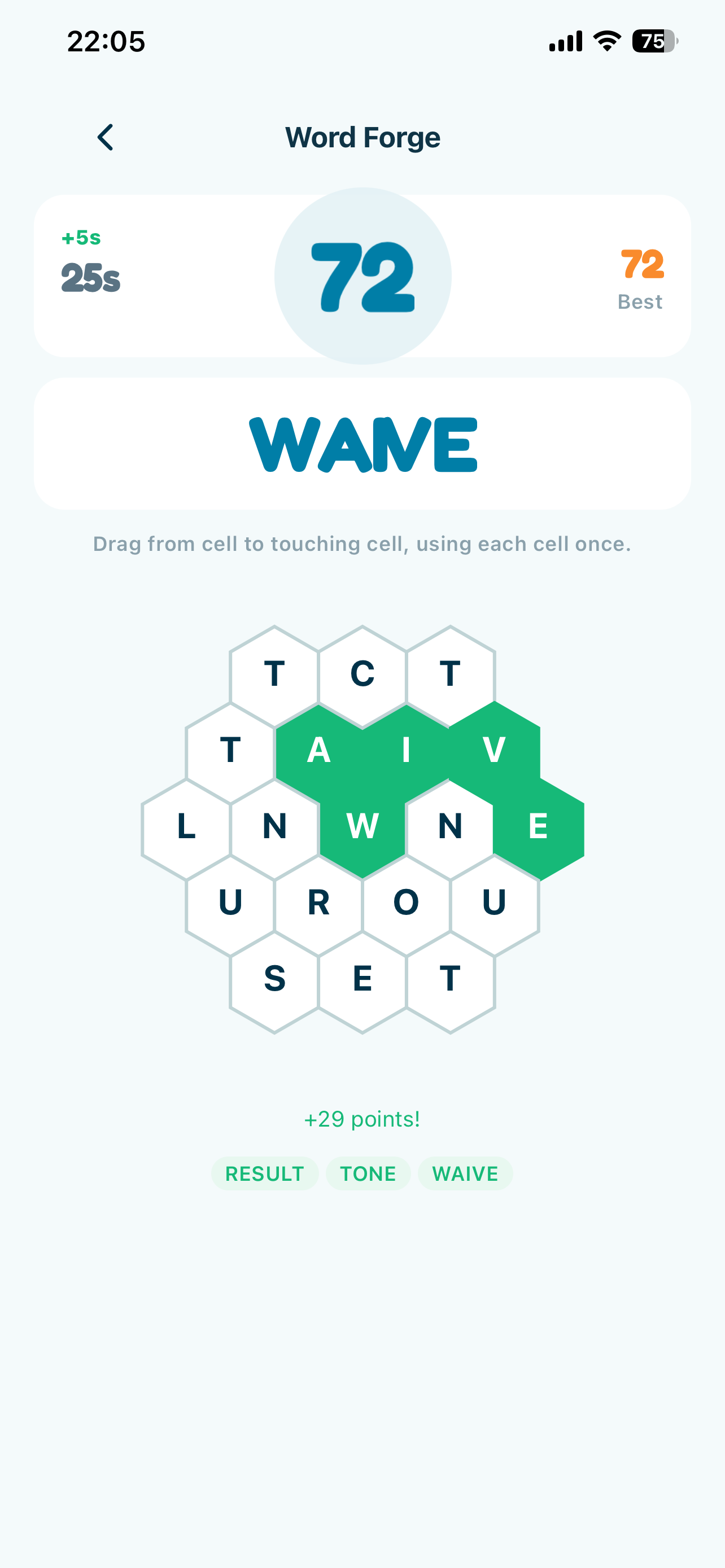
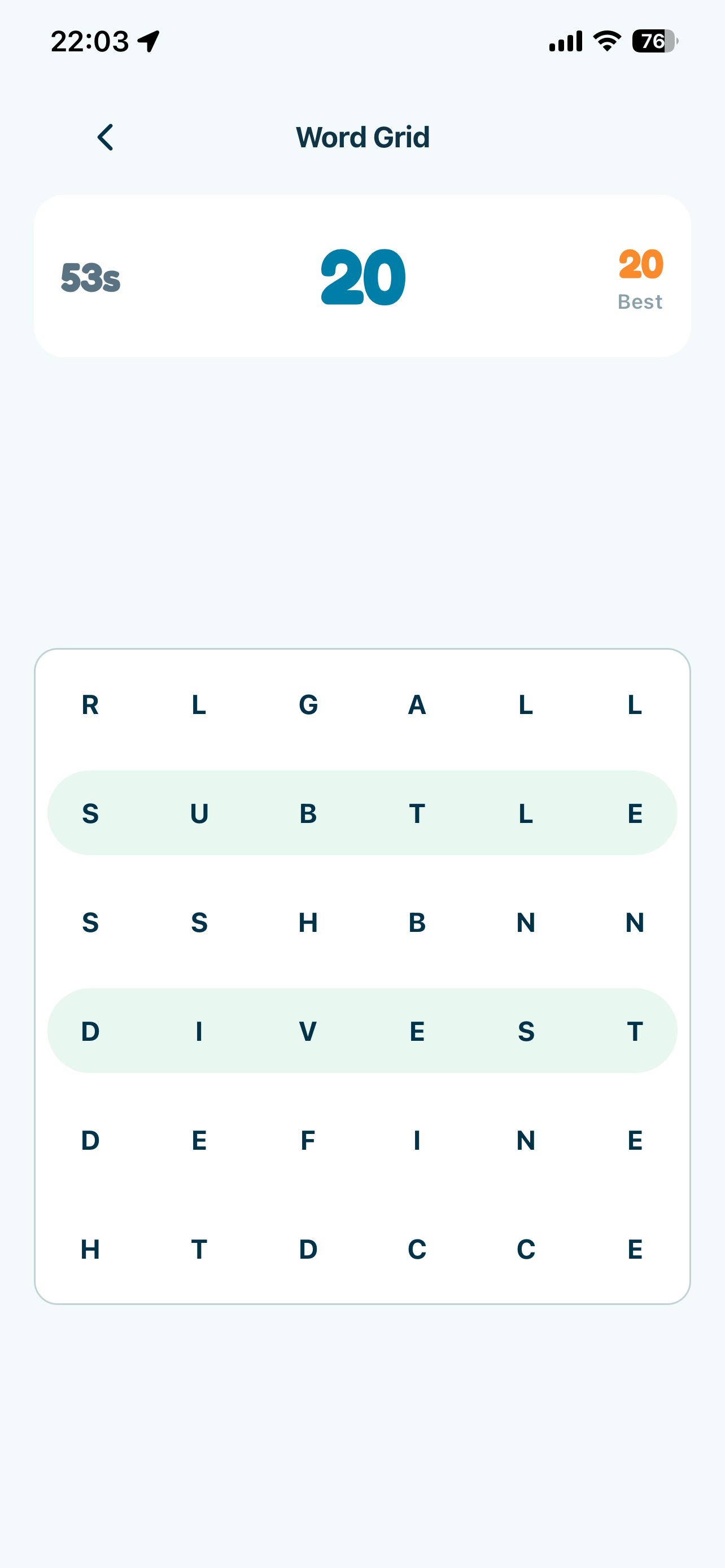
The current games are Match Rush, Opposites, Word Grid, and Word Forge. They revisit the same broader vocabulary goal through matching, antonyms, visual word search, and word construction or recall. They are short practice modes connected to the learner's vocabulary rather than separate mini-games with an unrelated purpose.
Personalization and supported languages
Daily lessons combine a configurable number of new words with vocabulary that is due for review. Learners can follow progress, revisit difficult words, and work at a vocabulary level that suits them. The routine is intended to stay manageable while allowing the learner to choose how much new material to take on.
Vocabie currently supports vocabulary study in English, Spanish, French, Czech, and Thai. It is not limited to people learning English as a second language: Language Improvement mode is also for someone who already speaks a language and wants to expand their vocabulary in it.
Building the product
Shipping Vocabie meant building more than a word list and a set of screens. The product needs vocabulary and contextual examples, a daily learning flow, progress and review, several exercise formats, audio, authentication and application data, and a consistent interface across lessons, games, the word library, and the AI Coach. Supabase supports the app's backend and data needs, while RevenueCat manages Premium subscriptions and entitlements.
The app is built with React Native, Expo, and TypeScript. I also had to bring the product through onboarding, subscription setup, App Store preparation, and release. Those parts are less visible than an exercise screen, but they are what turn a prototype into an application people can install and use.
Why I built it
The original idea came from my girlfriend, who wanted a better way to learn more words. I recognized the same problem in my own English: I could understand many advanced words while reading, but I did not always retrieve them naturally when speaking or writing. That turned her initial request into the product question behind Vocabie: how can a word move from something I have seen to something I understand, remember, and can use?
I wrote more about how that question shaped the product in Why I Built Vocabie: From Knowing Words to Actually Using Them.
Shipping Vocabie
Vocabie is now available for iPhone on the App Store. It was also submitted to RevenueCat Shipaton 2026, a milestone in the release process rather than the reason the product exists.
The app offers optional Premium subscriptions through RevenueCat, including a 7-day free trial in the current release. Subscription details and localized prices are shown in the App Store.
Links
Engineering concepts used
RevenueCat + Expo: Subscriptions, Lifetime Purchases, and Restore
How to add in-app purchases to an Expo app with RevenueCat: entitlements over product IDs, why restore is mandatory, and why the client is the wrong place to trust a purchase.
How to Ship a React Native Expo App to the App Store with EAS
The full path from a working Expo project to an approved App Store release: build profiles, credentials, versioning, TestFlight, and the review rejections that are easiest to avoid.
Key Highlights
- •Designed and shipped a personalized vocabulary-learning product from an initial idea to App Store release
- •Built daily lessons, review, contextual examples, varied exercises, and learner progress into one learning system
- •Created AI-assisted language practice and contextual vocabulary explanations
- •Developed four word games as additional ways to revisit and retrieve vocabulary
- •Built the iOS app with React Native, Expo, Supabase, and RevenueCat subscriptions