Building Pomodoro: the timer is the product
A small productivity app built around readable time, clear work and rest states, and locally persisted session timing.
Pomodoro: Focus & Rest starts with a narrow workflow: choose work and rest durations, start, and let the phases repeat. I wanted the timer itself to remain the main interaction throughout a session.
The mobile app uses React Native and Expo, with Skia drawing the animated liquid backgrounds. There is also a free web version.
Before the session: make configuration tangible
Circular controls let the user choose the two durations. Both values belong on the same screen because together they define the rhythm of a session. The interface does not need a separate settings journey before the user can begin.
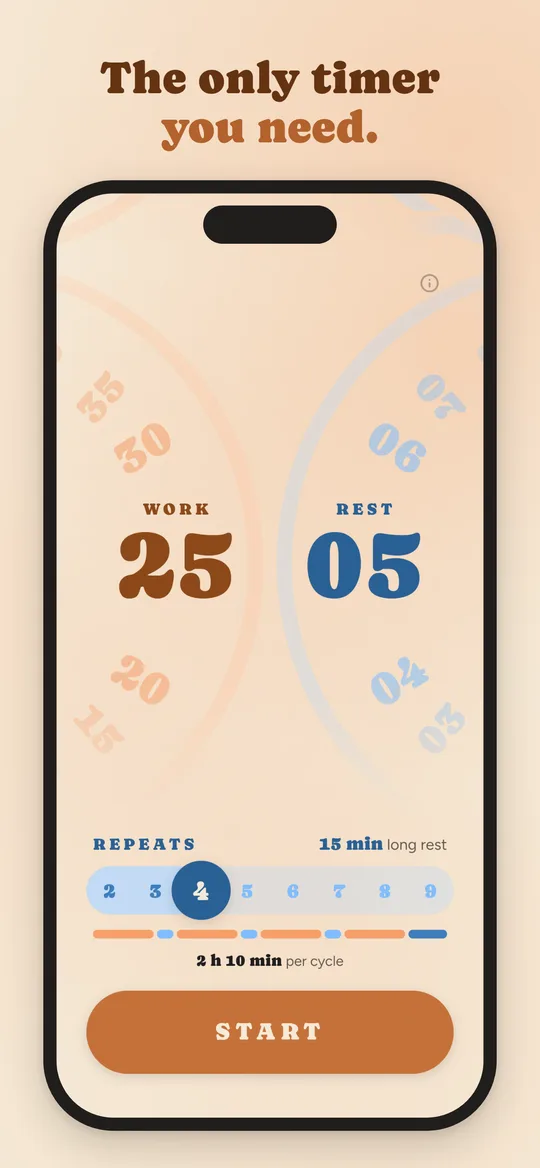
A small utility benefits from a short path between a choice and its result. Here, the result is the countdown that follows those duration selections. The controls introduce the work-and-rest structure before the session starts.
During the session: time becomes the hierarchy
Once the timer is running, the remaining time is the most prominent element. Oversized retro typography makes it readable without requiring the phone to be held close. Brown work numbers and blue rest numbers distinguish the phases alongside their labels.
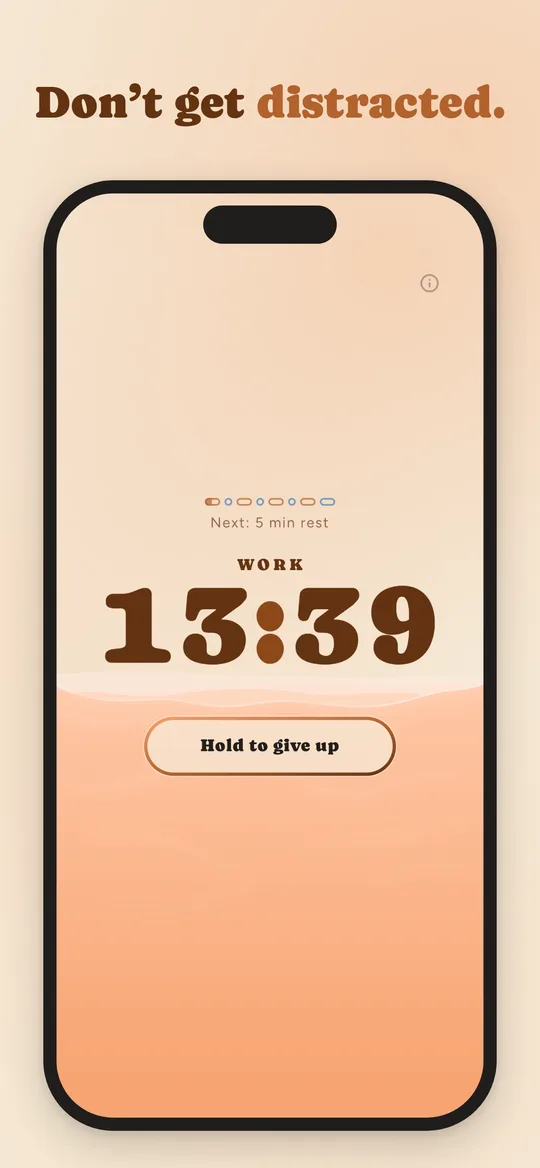
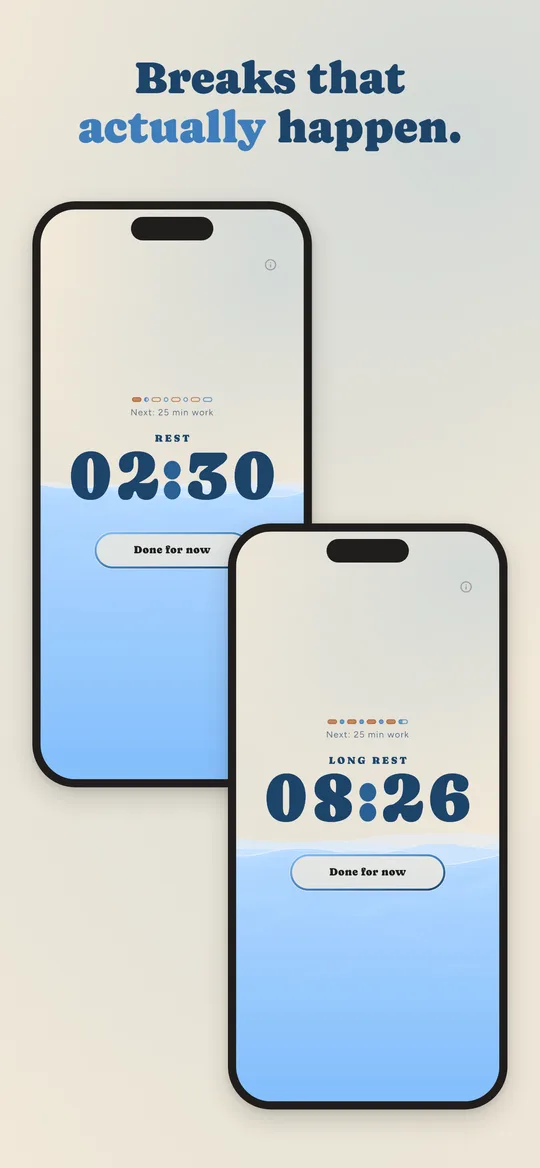
The animated liquid background gives the app its visual identity, but it surrounds the countdown rather than replacing it. This is a useful limit for expressive UI: the visual treatment should leave the current task easy to recognize.
A timer has a lifecycle
A countdown is more than a number updated on screen. The app may leave the foreground, and a user may return later expecting the remaining time to still make sense.
Pomodoro stores the active-session start time and selected durations locally. Persisting a reference to when the session began lets the app resume the countdown after an interruption. Saving only the last visible number would describe a screen state rather than the passage of time.
This distinction is useful well beyond timers. A progress display is a representation of an underlying state; it should not become the only record of that state.
Stopping is a deliberate interaction
Ending a running session requires holding Hold to give up for five seconds. The pause between intent and action is visible in the interaction itself. It makes accidentally touching the control different from deliberately ending the session.
While the timer is active in the foreground, the app can keep the screen awake so it remains useful on a desk or stand. Normal screen behavior resumes when the timer stops or moves into the background.
Simplicity includes the data model
The app remembers the last work and rest durations and the active-session start time. It requires no account and works offline. There are no ads, analytics, or subscriptions, and this timer state is not sent to me.
That scope is also a maintenance decision. An account system, cross-device history, or task dashboard would introduce different states, errors, and expectations. Those may be useful in another product, but the workflow here is centered on one repeatable session.
The engineering value of a small app
A focused utility still needs thoughtful behavior around readability, lifecycle changes, local persistence, and intentional controls. Keeping the feature set small makes those details more visible to the person using it.
See the Pomodoro project page for the feature summary and platform links, or the studio page for the product presentation.